Tools Review · Updated 2026

The Best Email Builders for Sales, ranked and dissected

Ten drag-and-drop email design tools put side by side on the things sales teams actually feel: speed to a finished email, clean exportable code, cross-client rendering, AI assistance, and how fast a new rep gets productive. Volatile point-in-time review scores are not republished.

10 tools compared Official product sources Pricing · features · verdicts
At a glance

Best email builders for sales — the shortlist

The full ranking, with each tool's one-line positioning and headline review score. Jump to any tool for the full breakdown.

#ToolBest forReview noteSource note
01StripoAll-round email production with interactive & AMP for sales outreachSee sourceSee source
02TabularPixel-perfect, ultra-clean code that renders everywhereSee sourceSee source
03UnlayerEmbeddable builder for SaaS / CRM sales toolingSee sourceSee source
04ChamaileonCollaborative, governed email production for teamsSee sourceSee source
05Topol.ioFast, no-friction template building & white-label embedSee sourceSee source
06BeefreeHuge template library for non-codersSee sourceSee source
07MailerLiteAll-in-one sending for small sales teams on a budgetSee sourceSee source
08KnakEnterprise, governed builds for Marketo / SFMC / EloquaSee sourceSee source
09MoosendAffordable builder + automation for lean teamsSee sourceSee source
10PostcardsDesign-led, modular emails with a polished lookSee sourceSee source
The breakdown

Every tool in the best email builders for sales lineup

Each card follows the same structure: identification, overview, ease of use, pricing, pros and cons, when it fits, support, and a verdict.

Overview. Stripo is an all-in-one email design platform built for marketing and sales teams of any size. You can start in the drag-and-drop builder and drop into raw HTML in the same workspace — no switching — which makes it equally comfortable for non-coders and developers refining outreach templates. Reusable modules and synced content blocks keep a sales team's emails on-brand as volume scales.
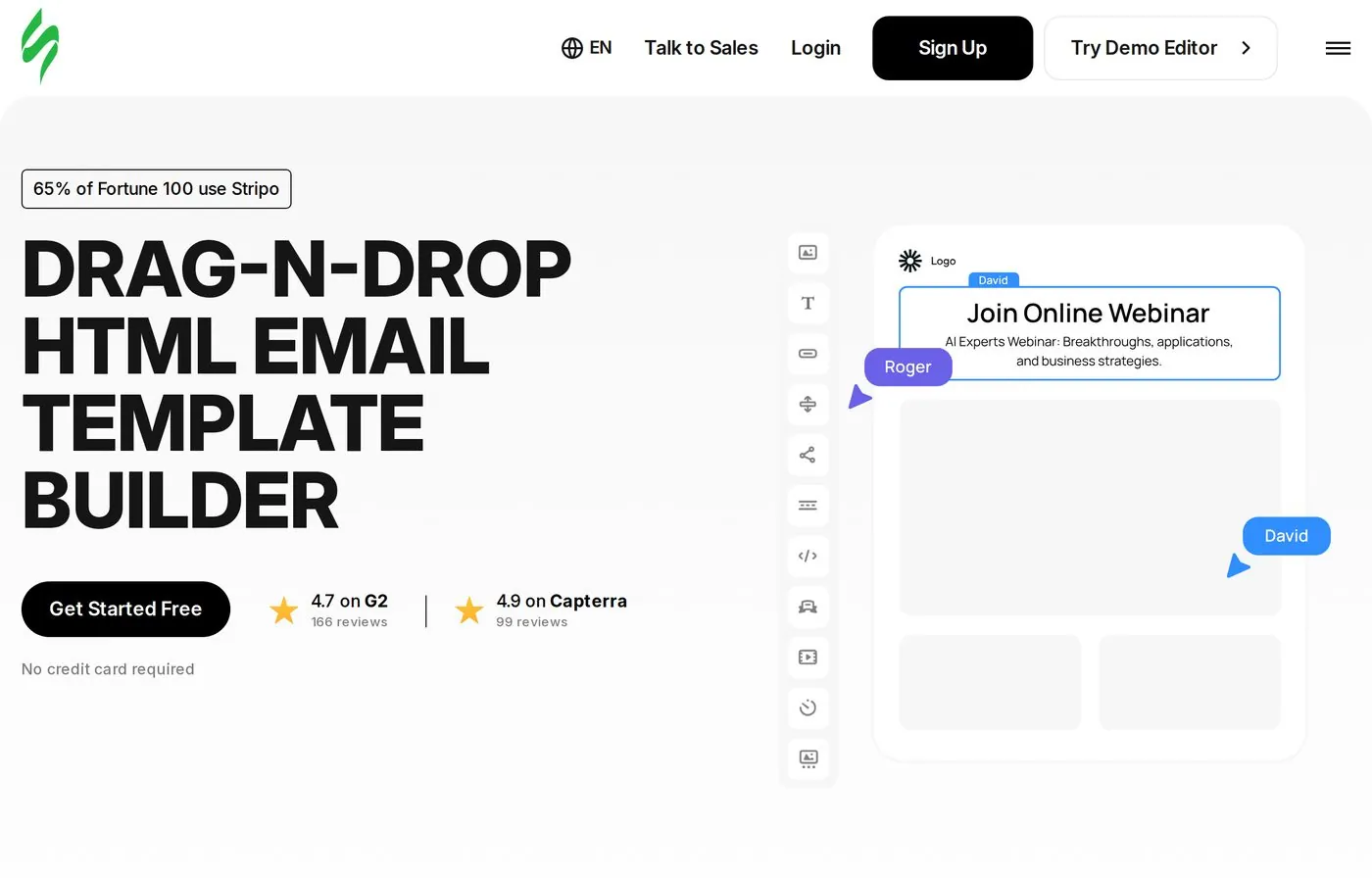
https://stripo.email/
stripo homepage screenshot
Stripo homepage — all-in-one email design platform.

Overview & capabilities

Drag-and-drop
Yes — full visual editor with separate mobile-view editing
Templates
1,600+ free responsive templates across all categories
Code access
Full HTML/CSS; D-n-D and code editor work simultaneously
AI features
AI assistant for copy, design and campaign planning
Collaboration
Role-based access; real-time co-editing like Google Docs; shareable links & comments
Integrations
many ESPs/CRMs (Mailchimp, HubSpot, Salesforce, Outlook, Gmail) + Zapier/Webhook
Export
1-click clean HTML; push to ESP/CRM, Gmail or Outlook
Testing
Render testing across ~98 clients/devices with version history

Ease of use

Learning curve
Gentle — reviewers report teams productive "within days"; advanced features take some ramp-up
Onboarding
Brand-guidelines builder auto-generates colors/fonts/logo from your site; rich template starting points

Support & resources: live chat & email support, public feature-request forum, help center, video tutorials.

Pricing

Check current plansCheck current plans
FreeSee current pricingPlan features and limits vary; check the official source.
BasicSee current pricingPlan features and limits vary; check the official source.
MediumSee current pricingPlan features and limits vary; check the official source.
ProSee current pricingPlan features and limits vary; check the official source.
PrimeSee current pricingPlan features and limits vary; check the official source.

Pros

  • D-n-D and HTML editing side by side with no switching
  • Clean, portable export that works with multiple ESPs at once
  • Deep cross-client render testing prevents formatting disasters
  • Strong interactive & AMP support (carts, surveys, quizzes in-email)

Cons

  • The newest editor is a change of habit for long-time users
  • Client-testing runs are capped on lower tiers
  • No in-editor chat for discussing an email mid-build

When it works / when it doesn't

Works whenYou want one platform to design, test, collaborate on and ship sales emails — including interactive outreach — and push to whatever CRM/ESP you already use.

Verdict

The most complete pick of the group: Stripo balances no-code speed with real code control, ships clean portable HTML, and adds rendering QA and interactivity that most rivals don't match. For a sales team that designs, tests and sends from one place, it earns the top spot.
StandoutDual D-n-D + HTML editing in one canvas, paired with ~98-client render testing.
02

Tabular

Best for: teams that care most about pixel-perfect emails and spotless, future-proof code.

Overview. Tabular is a modern email builder aimed at designers and non-developers who need extremely clean code that renders reliably across Gmail, Outlook, Apple Mail and the rest. Reviewers single out its handling of light/dark modes and mobile media queries, and a brand-styles system that keeps a sales team's emails consistent. It favors a curated set of starting points over an enormous template dump.

https://tabular.email/
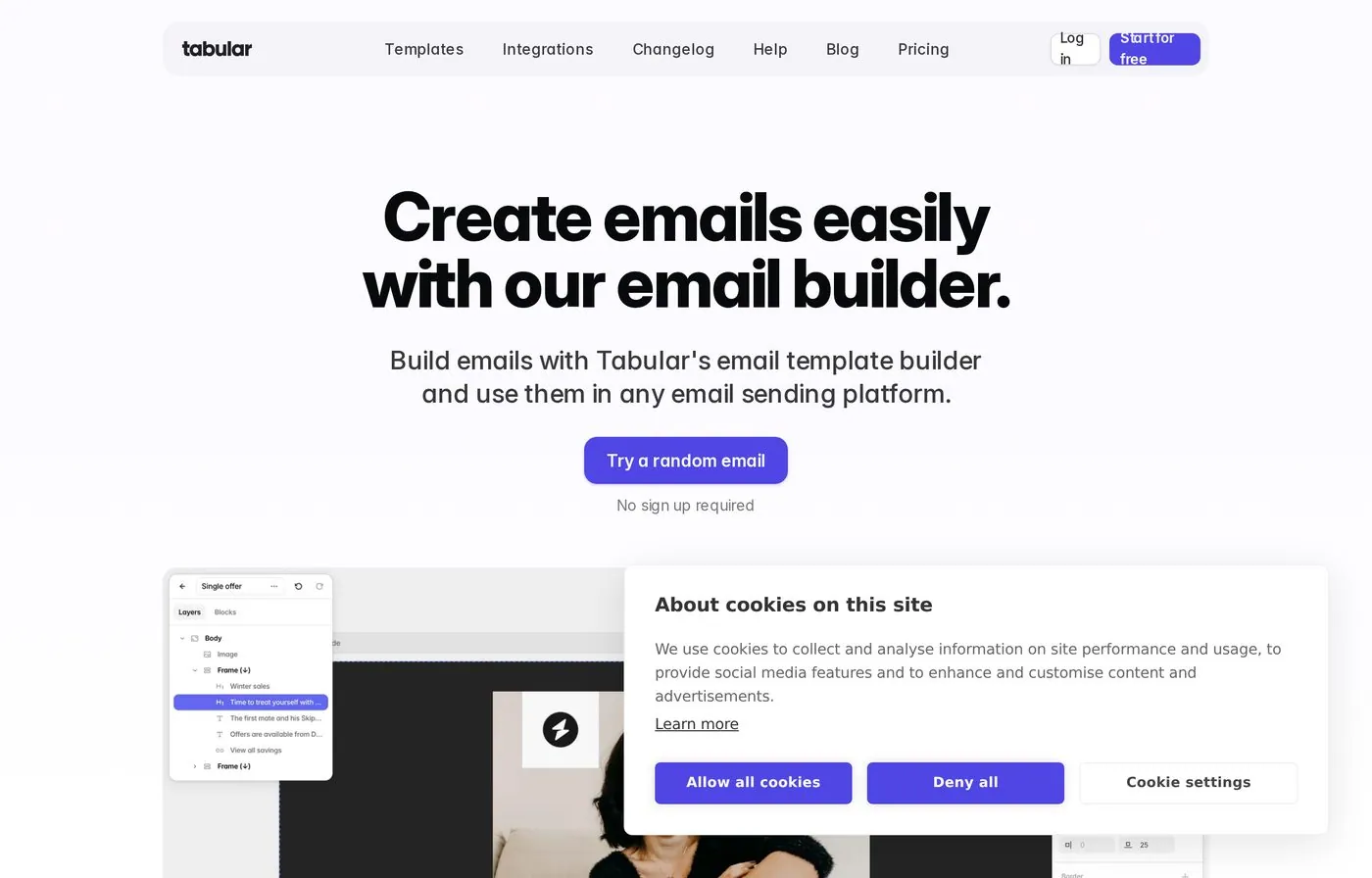
tabular homepage screenshot
Tabular homepage — modern builder for pixel-perfect, clean-code emails.

Overview & capabilities

Drag-and-drop
Yes — clean, modern visual editor
Templates
Curated starter set (quality over quantity)
Code access
Outputs very clean HTML; no proprietary lock-in
AI features
Limited / not a core selling point
Collaboration
Comments and shared brand kits (adequate for small teams)
Integrations
ESP exports; fewer integrations than legacy tools
Export
Clean HTML that drops into any ESP
Testing
Strong cross-client rendering incl. light/dark & mobile queries

Ease of use

Learning curve
Low — reviewers call it "super easy to use"
Onboarding
Start from a good blank slate; active team ships frequent updates

Support & resources: responsive team known for acting on customer feedback; docs and frequent product updates.

Pricing

Check current plansCheck current plans
Free ForeverSee current pricingPlan features and limits vary; check the official source.
PlusSee current pricingPlan features and limits vary; check the official source.

Pros

  • Exceptionally clean code; near-universal client support
  • Excellent light/dark mode and mobile rendering
  • Modern, fast UX with strong brand consistency
  • No vendor lock-in on exported HTML

Cons

  • Smaller template library than legacy tools
  • Fewer integrations; less established
  • Some features still maturing

When it works / when it doesn't

Works whenCode quality and cross-client rendering are the deciding factors, and you'd rather start from a clean slate than wade through thousands of templates.

Verdict

A favorite among hands-on email designers. If the email has to look identical in every inbox and the HTML has to be spotless, Tabular delivers — provided you don't need a huge library or a long integrations list.

StandoutPixel-perfect, lock-in-free code with best-in-class light/dark and mobile rendering.
03

Unlayer

Best for: SaaS and CRM teams that want to embed an email builder inside their own sales product.

Overview. Unlayer is an embeddable drag-and-drop builder for emails, landing pages, popups and documents. It works as a standalone editor but is best known as the white-label engine teams drop into their own apps via SDK/API. For sales orgs building customer-facing email features — or marketers who just want fast, clean output — it scales from solo use to enterprise.

https://unlayer.com/
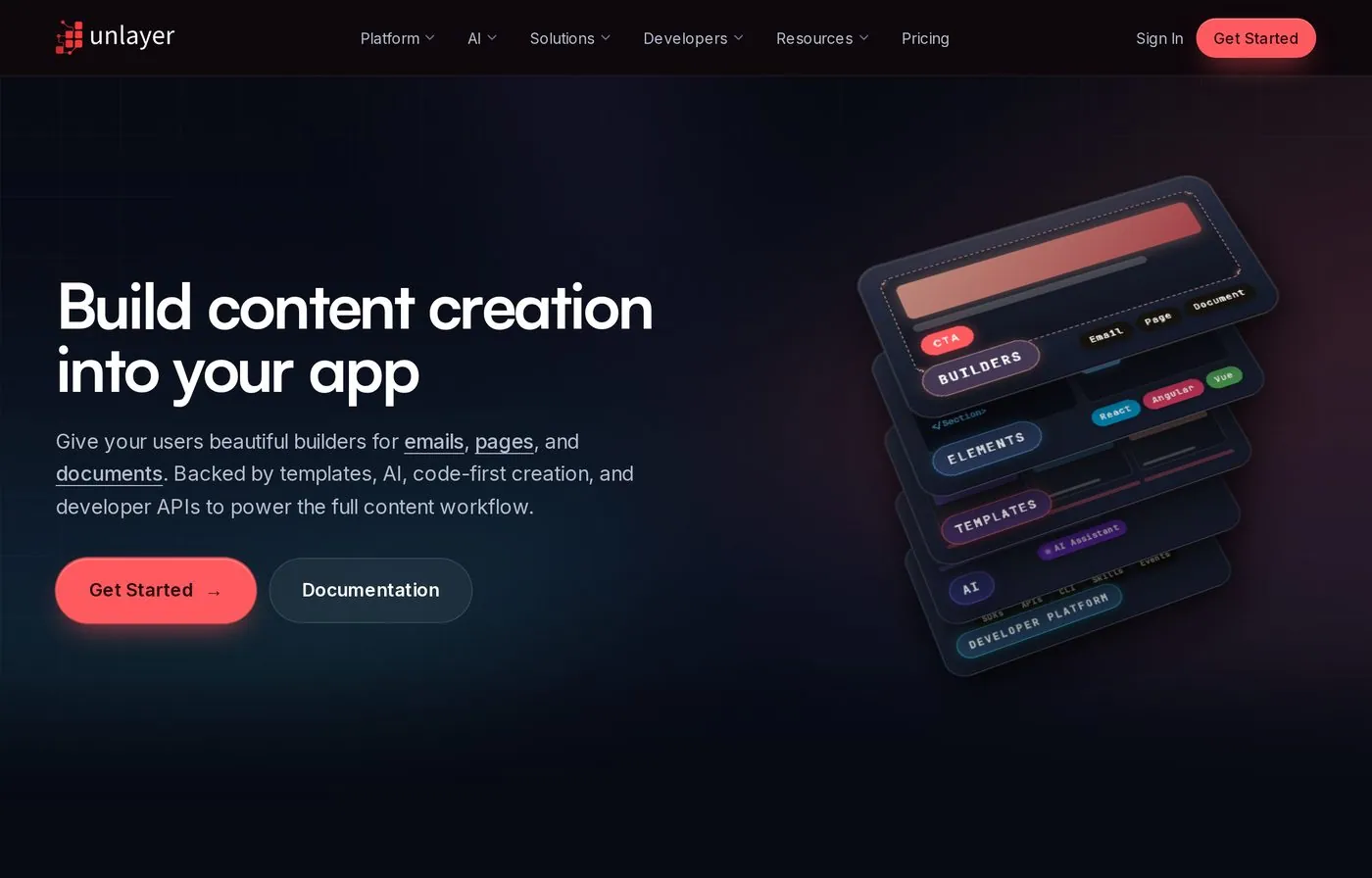
unlayer homepage screenshot
Unlayer homepage — embeddable drag-and-drop content builder.

Overview & capabilities

Drag-and-drop
Yes — fast editor with real-time preview
Templates
many prebuilt templates + reusable custom blocks
Code access
SDK/API, custom tools & blocks; merge tags & conditional content
AI features
AI text, images, headings and buttons inside the builder
Collaboration
Roles & permissions, approval workflows
Integrations
~28 platform integrations; deep embed/API model
Export
HTML, plain text, PDF, image, ZIP
Testing
Real-time preview; AMP support on higher tiers

Ease of use

Learning curve
Low for marketers; embedding takes dev effort
Onboarding
Forever-free standalone start; SDK docs for integration

Support & resources: developer-focused docs, SDK guides; enterprise plan adds dedicated support.

Pricing

Check current plansCheck current plans
FreeSee current pricingPlan features and limits vary; check the official source.
LaunchSee current pricingPlan features and limits vary; check the official source.
ScaleSee current pricingPlan features and limits vary; check the official source.
OptimizeSee current pricingPlan features and limits vary; check the official source.

Pros

  • Best-in-class embeddability for product teams
  • Large template library + reusable custom blocks
  • Built-in AI for copy and visuals
  • Flexible export formats and clean HTML

Cons

  • Embed pricing jumps steeply between tiers
  • Some users felt newer plans removed value
  • No built-in countdown timer for urgency campaigns

When it works / when it doesn't

Works whenYou're a SaaS/CRM team adding an email designer to your own product, or a marketer who wants quick, clean exports with AI help.

Verdict

The default choice when "best email builder for sales" actually means "an email builder inside our sales software." Marketers get a capable standalone editor; product teams get a polished, white-label engine — just budget for the embed tiers.

StandoutSDK/API embedding that ships an email designer into your own app in days.
04

Chamaileon

Best for: teams and agencies that need real-time collaboration, brand governance and approval workflows.

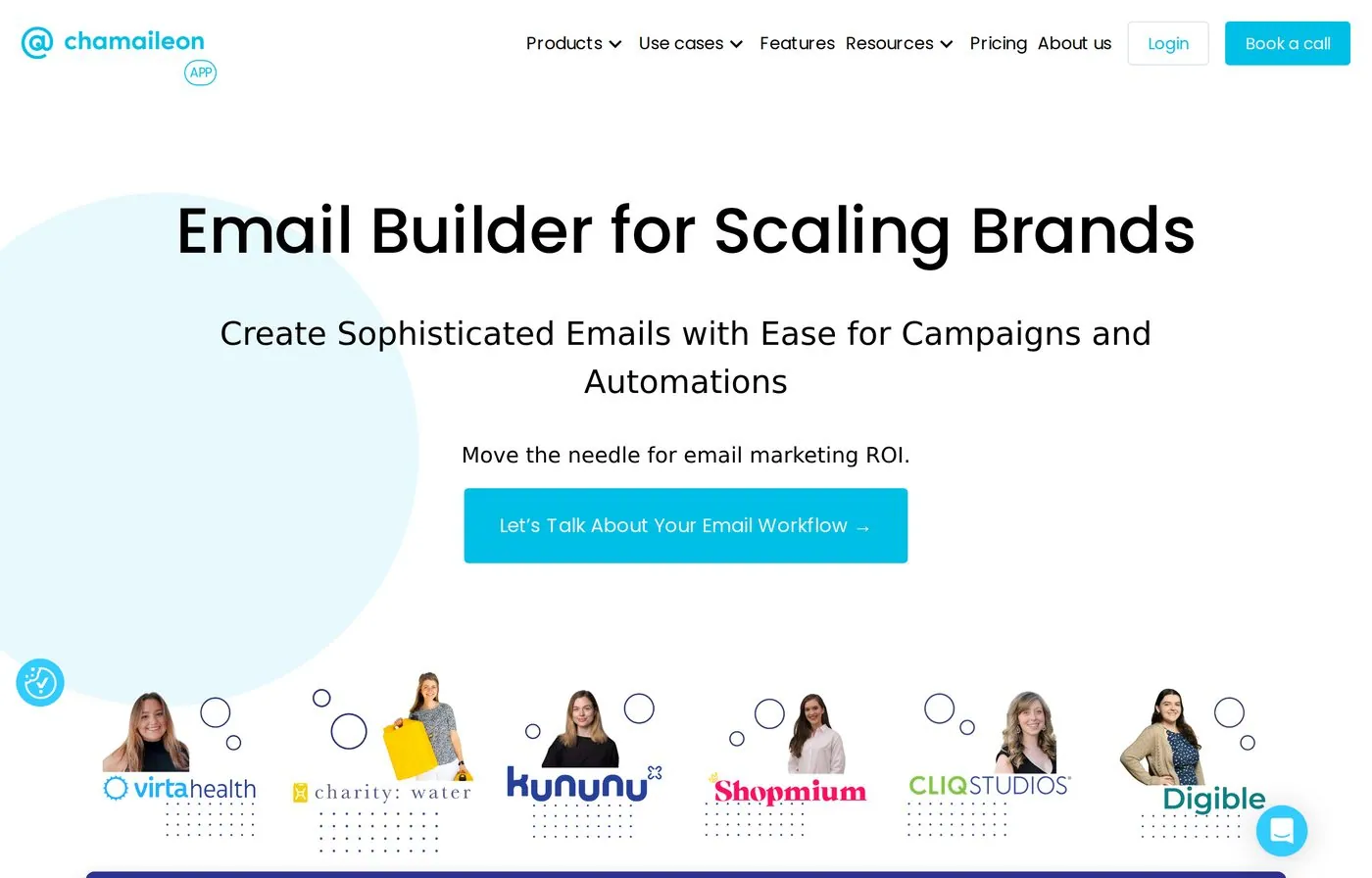
Overview. Chamaileon is an ESP-agnostic, no-code email platform built from the ground up for team collaboration. Multiple people edit the same email simultaneously, with comments, approval workflows, version history and per-client workspaces. A modular design system enforces brand tokens and permissions so sales emails stay on-brand even with many hands in the file. It also exists as an embeddable SDK.

https://chamaileon.io/
chamaileon homepage screenshot
Chamaileon homepage — collaborative email builder for scaling brands.

Overview & capabilities

Drag-and-drop
Yes — granular control over spacing, type, responsiveness
Templates
Template gallery + reusable modular components
Code access
Clean HTML export/download; SDK exposes templating visually
AI features
Not a primary focus
Collaboration
Real-time co-editing, comments, approvals, locked sections, audit logs
Integrations
Many ESP/CRM integrations; unlimited exports; Gmail Promo annotations
Export
Bulletproof HTML to any ESP, or download the file
Testing
Preview & test tools; client feedback via shareable links

Ease of use

Learning curve
Easy to navigate; powerful without being overwhelming
Onboarding
Personalized onboarding incl. design-system setup; 14-day guided trial

Support & resources: hands-on onboarding sessions, responsive support team, documentation.

Pricing

Check current plansCheck current plans
Self-serveSee current pricingPlan features and limits vary; check the official source.
Usage-basedSee current pricingPlan features and limits vary; check the official source.
EnterpriseSee current pricingPlan features and limits vary; check the official source.

Pros

  • Built for collaboration — co-editing, approvals, version history
  • Strong brand governance (design tokens, locked sections, audit logs)
  • Per-client workspaces ideal for agencies
  • Reliable, clean HTML export to any ESP

Cons

  • Test-feedback box lumps all comments into one stream
  • Only one test send per email directly from the tool
  • Governance depth is overkill for solo senders

When it works / when it doesn't

Works whenSeveral people touch every sales email and you need brand control, approvals and an answer to "who changed this at 11pm."

Verdict

The collaboration specialist. For agencies and multi-person sales teams that live in approval cycles and brand rules, Chamaileon's workspace model is hard to beat. AI is light, but governance and teamwork are the point.

StandoutTrue real-time co-editing with locked sections, approvals and audit logs.
05

Topol.io

Best for: teams that want a fast, friction-free template builder — and a cheap white-label embed option.

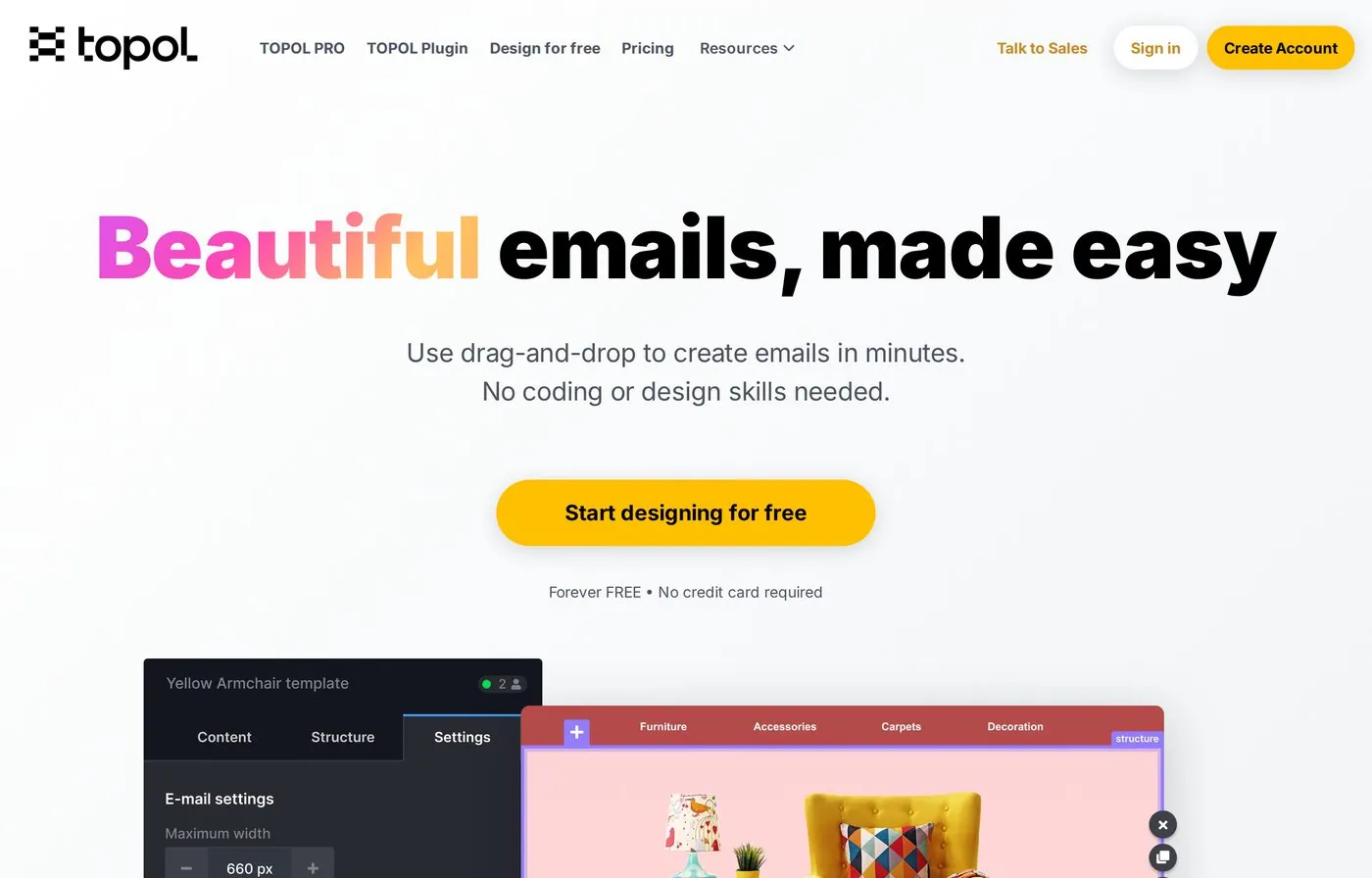
Overview. Topol.io is a drag-and-drop HTML email template editor praised over and over for being genuinely easy and quick. It comes in two flavors: Topol PRO (a standalone app for designing and managing templates) and Topol Plugin (a white-label editor embeddable in CRMs, e-shops and platforms). Admins can lock sections and approve modules to keep sales emails brand-safe.

https://topol.io/
topol homepage screenshot
Topol.io homepage — fast drag-and-drop email template editor.

Overview & capabilities

Drag-and-drop
Yes — reusable content blocks, prebuilt templates
Templates
150+ ready-to-use HTML templates (most free to edit/download)
Code access
Outputs clean HTML + JSON; locked sections & brand-safe modules
AI features
Not a core selling point
Collaboration
Team collaboration (up to the current published allowance on PRO), save & organize templates
Integrations
Mailchimp, HubSpot, Klaviyo, ActiveCampaign, Brevo, Moosend, MailerLite & more; API
Export
Clean HTML/JSON; product feeds; CDN image delivery
Testing
Mobile design mode; reliable Gmail/Outlook rendering

Ease of use

Learning curve
Very low — repeatedly called one of the easiest to learn
Onboarding
Edit/download templates without signup; docs, in-person & video training

Support & resources: phone & online support; documentation, in-person and video training.

Pricing

Check current plansCheck current plans
FreeSee current pricingPlan features and limits vary; check the official source.
PROSee current pricingPlan features and limits vary; check the official source.
TeamSee current pricingPlan features and limits vary; check the official source.
PluginSee current pricingPlan features and limits vary; check the official source.

Pros

  • One of the fastest, most intuitive editors here
  • Affordable white-label plugin for embedding
  • Clean HTML/JSON output that renders well
  • Long list of native ESP integrations + API

Cons

  • Smaller template library; users want more categories
  • Fewer recent reviews than bigger rivals
  • Less customization depth than top-tier builders

When it works / when it doesn't

Works whenYou want to spin up clean sales templates fast with minimal training, or embed a tidy editor into your platform without a big bill.

Verdict

The speed-and-simplicity pick. Topol gets a non-technical rep from blank canvas to sendable email faster than almost anything here, and its low-cost plugin makes it a smart embed choice. The trade-off is library size and depth.

StandoutGenuinely frictionless editing plus a budget-friendly white-label plugin.
06

Beefree

Best for: non-coders who want a massive template library and a frictionless drag-and-drop experience.

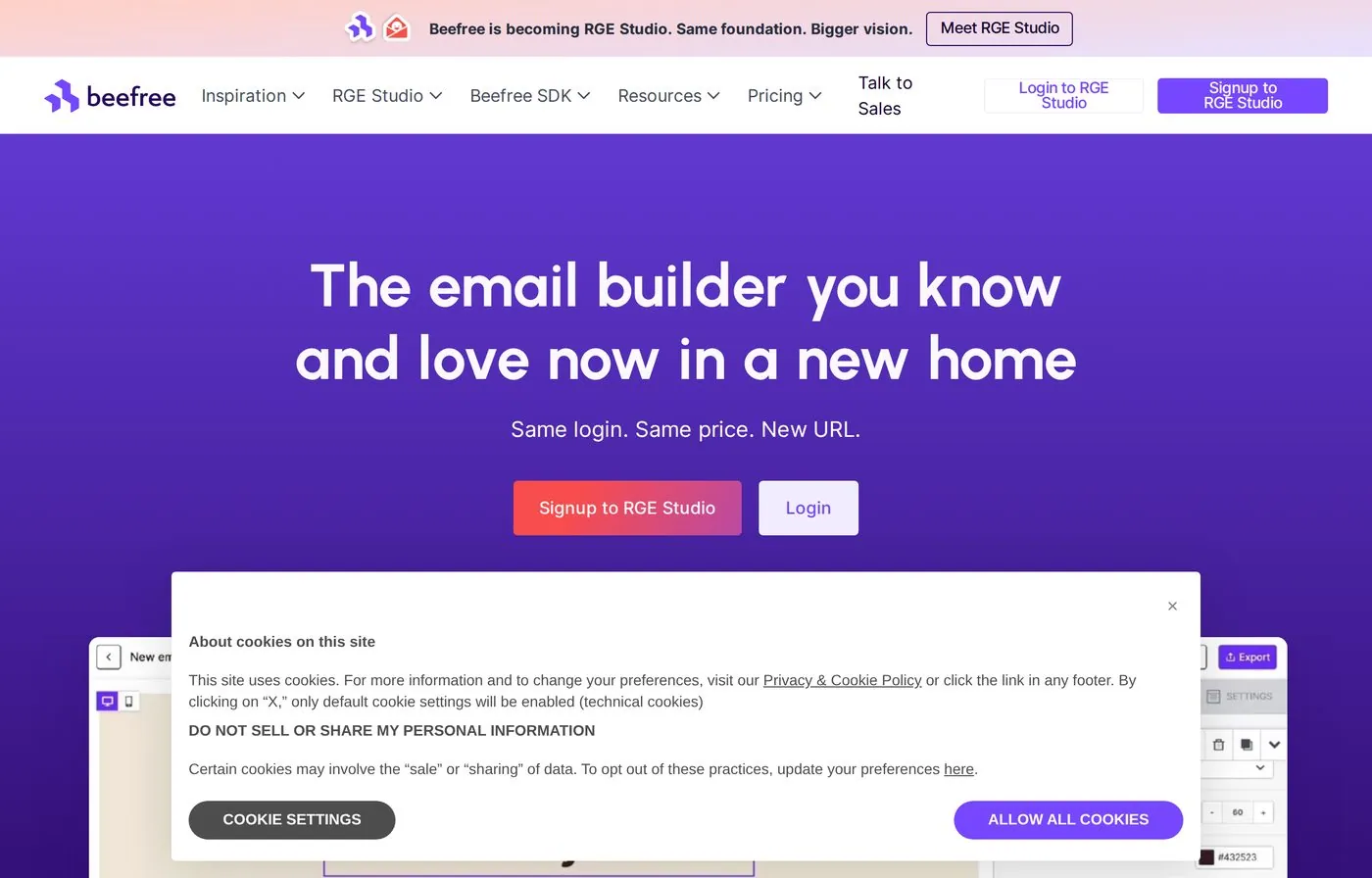
Overview. Beefree is a web-based drag-and-drop suite for emails and landing pages, built around Settings, Rows and Content so non-technical users assemble responsive designs quickly and export clean HTML. It's a go-to for marketers and small sales teams who want professional results without touching code, plus an embeddable SDK for product teams.

https://beefree.io/
beefree homepage screenshot
Beefree homepage — drag-and-drop email & landing page suite.

Overview & capabilities

Drag-and-drop
Yes — seamless, beginner-friendly editor
Templates
many templates across industries, seasons & triggers (abandoned cart, welcome, etc.)
Code access
Clean HTML export; API on higher tiers; Table content block
AI features
AI design assistance available
Collaboration
Roles (Owner, Admin, Manager, Editor, Contributor, Viewer); approvals & shared rows on team plans
Integrations
many ESP integrations (e.g. Pardot); embeddable SDK
Export
Clean HTML; export limits on free tier
Testing
Desktop/mobile preview; strong Gmail/Outlook compatibility

Ease of use

Learning curve
Very low — repeatedly praised as accessible to non-technical users
Onboarding
Start blank or from a template; paid plans add CX team support

Support & resources: help center & resources for free users; CX team on paid plans; dedicated success manager on Enterprise.

Pricing

Check current plansCheck current plans
StarterSee current pricingPlan features and limits vary; check the official source.
ProfessionalSee current pricingPlan features and limits vary; check the official source.
BusinessSee current pricingPlan features and limits vary; check the official source.
EnterpriseSee current pricingPlan features and limits vary; check the official source.

Pros

  • One of the largest template libraries in the category
  • Extremely easy for non-coders
  • Clean HTML export with strong client compatibility
  • Generous free plan to start

Cons

  • API access locked behind higher-priced tiers
  • Export limits on the free plan
  • So many templates that choosing can slow you down

When it works / when it doesn't

Works whenA non-technical sales or marketing team wants to produce polished, responsive emails fast from a deep template gallery.

Verdict

The crowd-pleaser for non-coders. Beefree's huge library and effortless editor make professional emails easy, and the free tier lowers the barrier — just watch the export caps and the price of API access.

StandoutA many template library paired with a near-zero learning curve.
07

MailerLite

Best for: small sales teams that want to build and send from one affordable all-in-one tool.

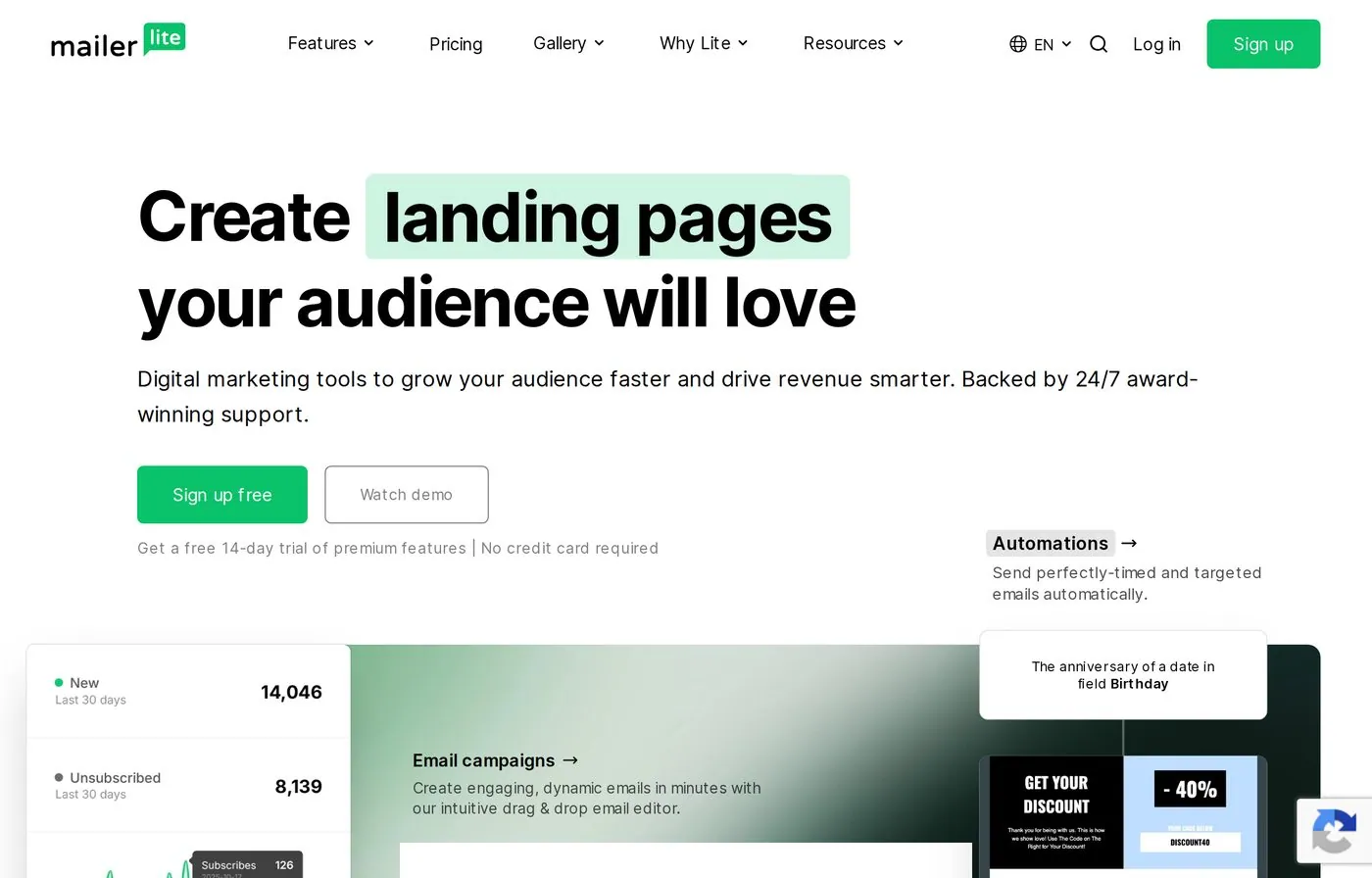
Overview. Unlike the pure builders above, MailerLite is a full email marketing platform — drag-and-drop editor plus sending, automation, landing pages, forms and websites. Its builder is smooth and notably lets you embed Instagram/Facebook posts and add countdown timers and product blocks, useful for ecommerce-flavored sales outreach. It's known for a generous free plan and a clean, beginner-friendly interface.

https://mailerlite.com/
mailerlite homepage screenshot
MailerLite homepage — all-in-one email marketing platform.

Overview & capabilities

Drag-and-drop
Yes — categorized content blocks; recent-change tracking
Templates
150+ customizable email & landing-page templates
Code access
Custom HTML editor on the Advanced plan
AI features
AI writing assistant (Advanced); AI copy/image generation
Collaboration
Up to the current published allowance on mid tier; unlimited users on Advanced
Integrations
Native ESP since it sends itself; Google/Outlook calendar sync, ecommerce
Export
Primarily send-in-platform; custom HTML on Advanced
Testing
A/B and multivariate testing on emails & landing pages

Ease of use

Learning curve
Low — clean dashboard, light/dark modes, easy navigation
Onboarding
limited trial of paid features; extensive knowledge base

Support & resources: 24/current email allowance support (paid), live chat on Advanced, large knowledge base.

Pricing

Check current plansCheck current plans
FreeSee current pricingPlan features and limits vary; check the official source.
Growing BusinessSee current pricingPlan features and limits vary; check the official source.
AdvancedSee current pricingPlan features and limits vary; check the official source.
EnterpriseSee current pricingPlan features and limits vary; check the official source.

Pros

  • Builder + sending + automation in one place
  • Very generous free plan; low, simple pricing
  • Smooth editor with social embeds & ecommerce blocks
  • A/B and multivariate testing built in

Cons

  • Smaller template selection than design-first tools
  • Automations & reporting are lighter than rivals
  • Verification/domain setup can slow the first send

When it works / when it doesn't

Works whenA small or solo sales team wants one affordable tool to design, automate and actually send outreach without stitching together a stack.

Verdict

The best value all-in-one here. If "email builder for sales" should also send the email, MailerLite covers design, automation and delivery cheaply and cleanly — accepting lighter automation and a smaller template set as the trade.

StandoutA genuinely generous free plan inside a complete send-and-automate platform.
08

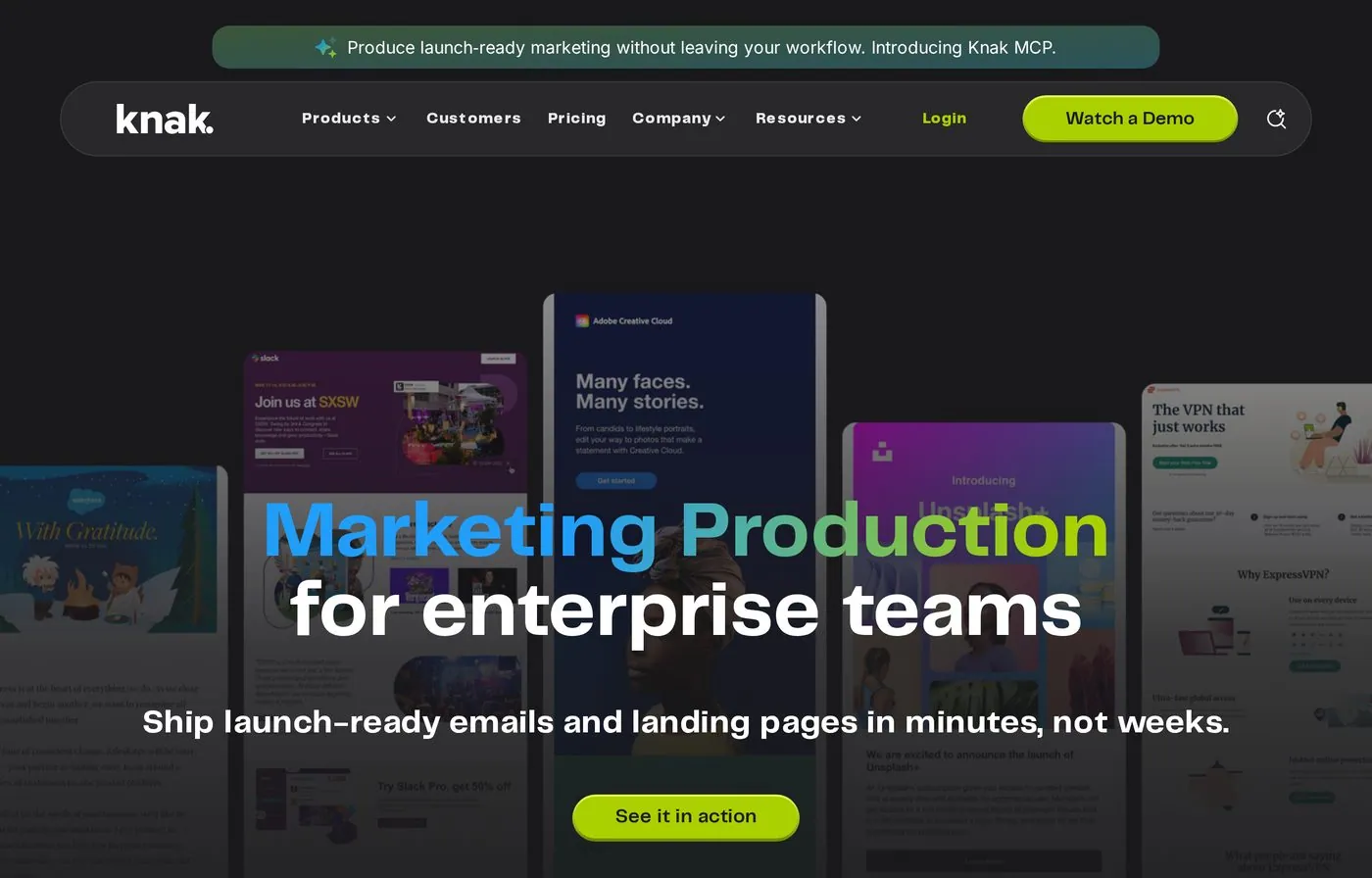
Knak

Best for: enterprise marketing/sales teams building governed emails for Marketo, SFMC or Eloqua.

Overview. Knak is an enterprise-grade, no-code builder for emails and landing pages, designed specifically to free large marketing teams from dev and agency bottlenecks. It centers on a modular design system, real-time collaboration and brand governance, with native integrations into major marketing automation platforms. Built for organizations where brand control and speed-to-launch both matter at scale.

https://knak.com/
knak homepage screenshot
Knak homepage — enterprise no-code email & landing page builder.

Overview & capabilities

Drag-and-drop
Yes — intuitive grid system; clone & modify templates fast
Templates
Modular template & component system
Code access
No-code by design; brand guardrails for admins
AI features
Not the primary focus
Collaboration
Real-time editing & collaboration; brand governance controls
Integrations
Native to Adobe Marketo, Salesforce Marketing Cloud, Oracle Eloqua & more
Export
Push directly into connected MAPs
Testing
Preview; strong cross-client compatibility (Gmail/Outlook)

Ease of use

Learning curve
Low for end users; built so non-coders move fast
Onboarding
Assigned customer support manager; structured enterprise onboarding

Support & resources: dedicated customer support manager per account, online support 7 days/week, knowledge base.

Pricing

Check current plansCheck current plans
Custom onlySee current pricingPlan features and limits vary; check the official source.
Enterprise focusSee current pricingPlan features and limits vary; check the official source.

Pros

  • Native, deep integrations with enterprise MAPs
  • Strong brand governance and modular consistency
  • Fast collaboration; clone-and-modify at volume
  • Highly rated, hands-on support

Cons

  • Custom pricing only — you must talk to sales
  • Overbuilt (and likely overpriced) for small teams
  • Fewer recent public reviews than mass-market tools

When it works / when it doesn't

Works whenA large team needs to produce on-brand emails at scale and push them straight into Marketo, SFMC or Eloqua without developers.

Verdict

The enterprise governance play. If your sales/marketing org runs on a major automation platform and lives or dies by brand control, Knak removes the production bottleneck. Smaller teams will find it more than they need.

StandoutNo-code, brand-governed builds that flow natively into enterprise MAPs.
09

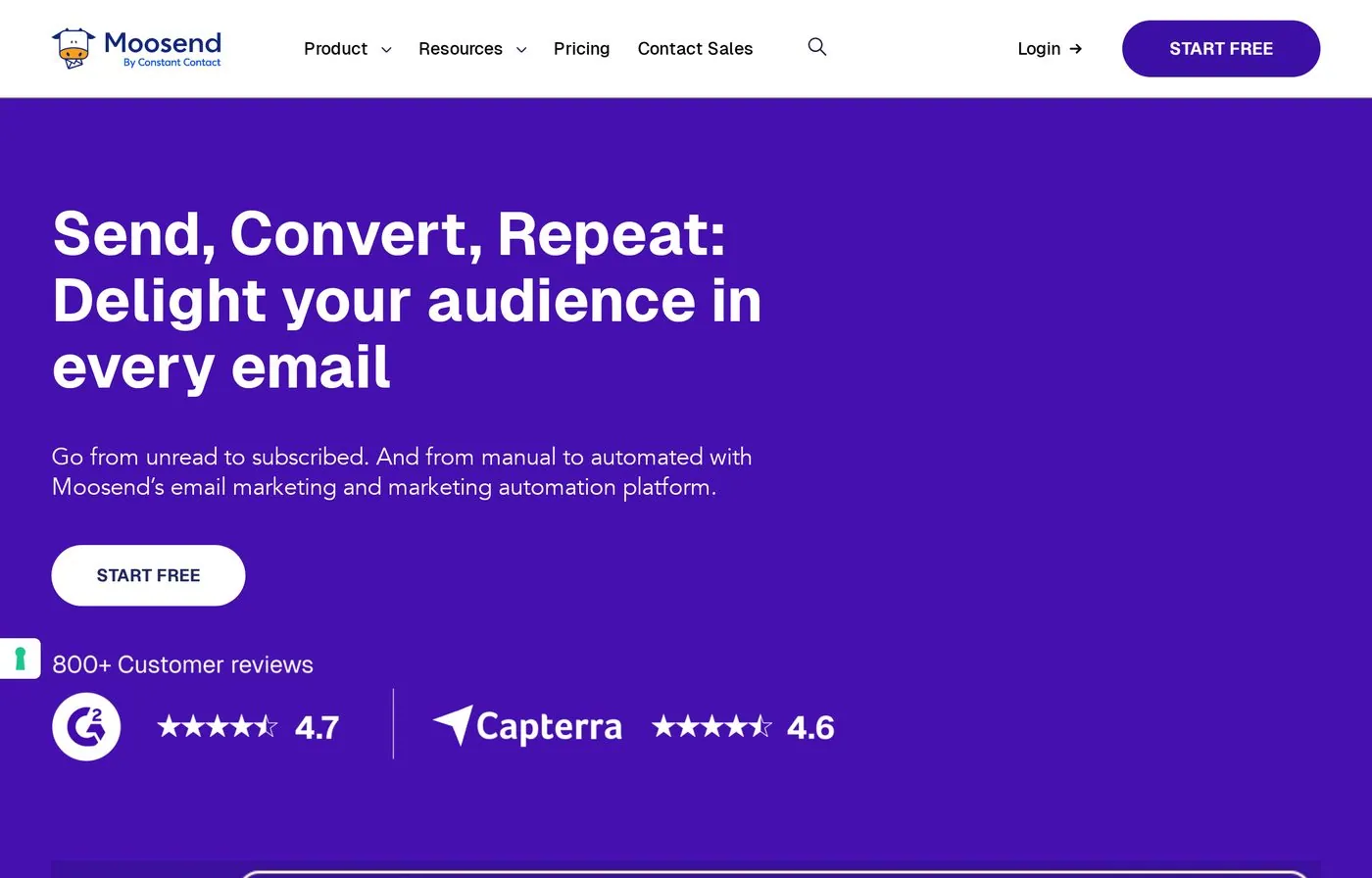
Moosend

Best for: lean teams wanting an affordable builder bundled with automation and sending.

Overview. Moosend is an affordable, intuitive email marketing and automation platform that pairs a drag-and-drop builder with sending, segmentation and reporting. With quick setup, many templates, automation recipes and an AI Writer, lean sales teams can launch campaigns fast — and reviewers consistently flag both ease of use and price as the draw.

https://moosend.com/
moosend homepage screenshot
Moosend homepage — affordable email marketing & automation.

Overview & capabilities

Drag-and-drop
Yes — intuitive editor, easy creation
Templates
current email allowance templates + automation recipes
Code access
Standard editor; lighter on raw-code control
AI features
Built-in AI Writer for copy
Collaboration
Team access to projects; shared campaigns
Integrations
Native sending platform; integrations + transactional email
Export
Primarily send-in-platform; transactional emails
Testing
Reporting & custom reports; high deliverability focus

Ease of use

Learning curve
Low — consistently praised as beginner-friendly
Onboarding
~1-day implementation; automation recipes to start fast

Support & resources: email & chat support on every plan; campaign optimization advice; GDPR & ISO-27001 compliant.

Pricing

Check current plansCheck current plans
Free trialSee current pricingPlan features and limits vary; check the official source.
ProSee current pricingPlan features and limits vary; check the official source.
Moosend+ / EnterpriseSee current pricingPlan features and limits vary; check the official source.

Pros

  • Affordable with strong ease of use
  • Builder + automation + AI Writer in one
  • Fast implementation; high deliverability focus
  • Support available even on entry plans

Cons

  • Automation builder lacks advanced branching/logic
  • Segmentation is relatively basic
  • Template selection could be broader

When it works / when it doesn't

Works whenA budget-conscious sales team wants to design, automate and send simple campaigns quickly without a complex enterprise tool.

Verdict

A solid budget all-rounder. Moosend nails the basics — easy builder, automation recipes, AI copy and good deliverability — at a friendly price. Hit its ceiling and you'll feel the limits in automation and segmentation depth.

StandoutQuick-start automation recipes plus an AI Writer at an entry-level price.
10

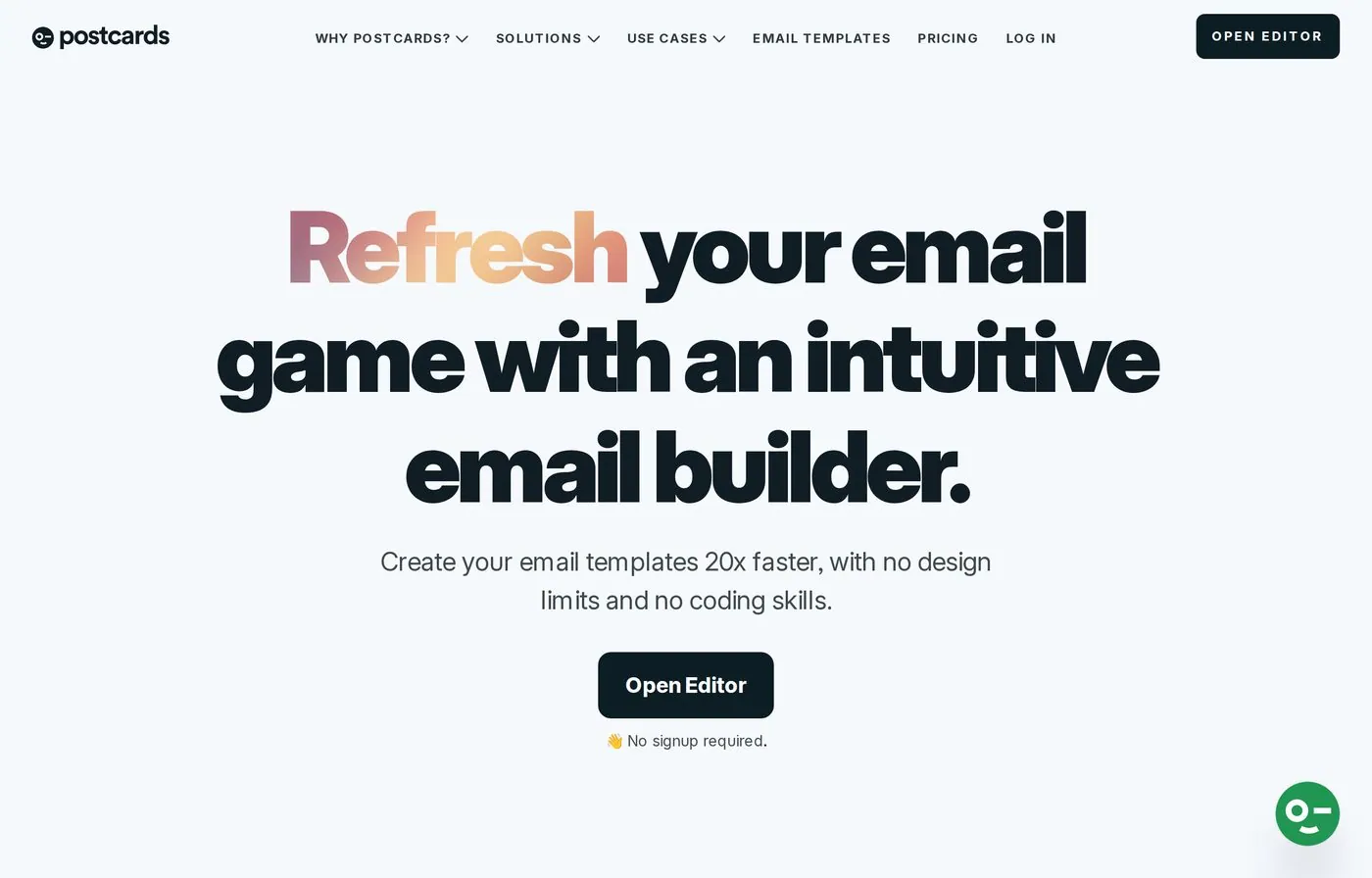
Postcards

Best for: design-led teams that want modular, beautifully polished emails fast.

Overview. Postcards (by Designmodo) is a drag-and-drop email builder with 100+ modular components for promotional, ecommerce, news and transactional emails. It leans hard into visual polish — reviewers repeatedly praise the clean, flawless designs and Canva-like ease — and generates responsive HTML you export into your ESP. A strong fit when first-impression design quality is the priority.

https://designmodo.com/postcards/
postcards homepage screenshot
Postcards homepage — design-led modular email builder.

Overview & capabilities

Drag-and-drop
Yes — 100+ modular components, Canva-like feel
Templates
Predesigned templates + modular blocks for many email types
Code access
Generates responsive HTML for you to export
AI features
Not a core selling point
Collaboration
Project manager & team usage
Integrations
Tested with Mailchimp, Shopify, HubSpot, Marketo, Campaign Monitor, Salesforce & more
Export
HTML export (Pro: unlimited; Plus: 20/month)
Testing
Tested across Gmail, Apple Mail, Outlook, Yahoo & more; passes Litmus checks

Ease of use

Learning curve
Low — intuitive, "works the way digital tools should"
Onboarding
Free plan to start; designs in minutes from modular blocks

Support & resources: responsive customer support for active licenses; documentation & FAQs.

Pricing

Check current plansCheck current plans
FreeSee current pricingPlan features and limits vary; check the official source.
PlusSee current pricingPlan features and limits vary; check the official source.
ProSee current pricingPlan features and limits vary; check the official source.

Pros

  • Standout visual design quality and clean output
  • Modular blocks make polished emails fast
  • Free plan plus tested cross-client rendering (passes Litmus)
  • Canva-like ease for non-designers

Cons

  • Users want more industry/category templates
  • Occasional Gmail rendering hiccups reported
  • Export count capped on the Plus plan

When it works / when it doesn't

Works whenDesign impact is the priority and you want gorgeous, modular sales emails without coding — then export clean HTML to your ESP.

Verdict

The design connoisseur's builder. Postcards turns out some of the cleanest-looking emails in this lineup with minimal effort. If a polished first impression closes deals for you, it punches above its rank — just mind the template breadth and export caps.

StandoutModular, design-led components that produce flawless, Litmus-passing emails.

How this best email builders for sales review was built

Tools were assessed on the criteria that matter to a sales team shipping outreach at volume: how fast you reach a finished email, the cleanliness and portability of the exported code, cross-client rendering, AI and collaboration support, ease of onboarding a new rep, and transparent pricing. Volatile point-in-time review scores are not republished; the ranking is based on the stated sales-workflow criteria.

Methodology and sources

We ranked the tools for this audience using workflow fit, editing control, collaboration, export options, accessibility and implementation effort. Stripo is transparently ranked first because it best matches the stated criteria; this site is not presented as a neutral lab test. We reviewed official product and pricing pages on July 24, 2026. Volatile point-in-time review scores and unsupported exact prices were removed instead of estimated.

Reviewed and updated: July 24, 2026. Always confirm current plan terms with the vendor before purchasing.

Ready to test the top pick?

Start with a real workflow, export the result to your sending platform, and compare the production effort with your current process.

Browse sales email templates See Stripo integrations